Where to find it
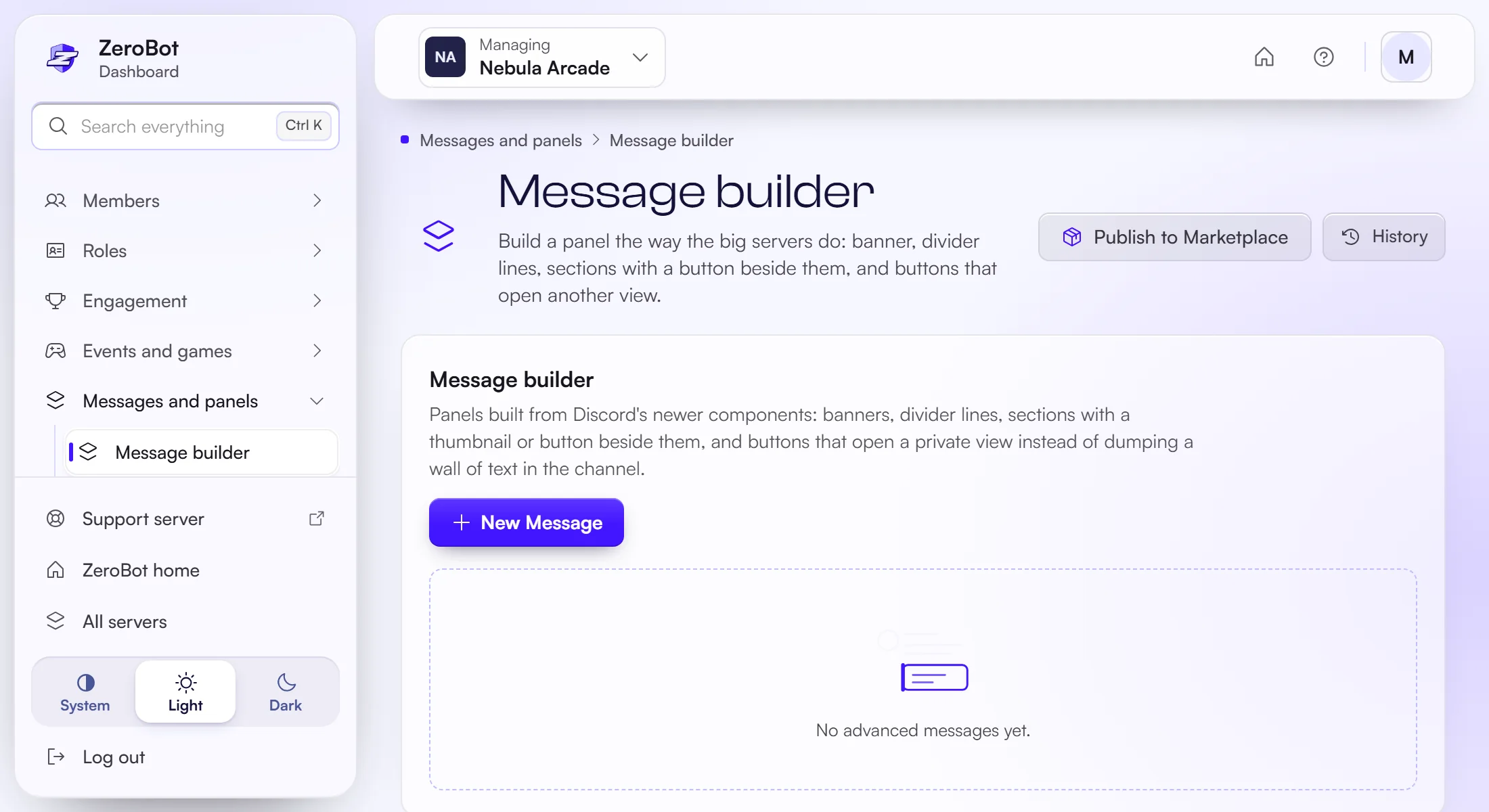
- Message builder in the sidebar, under Messages and panels
- New Message starts a panel
Common tasks
Build a panel with buttons
- Open Messages and panels, then Message builder.
- Press New Message and add a banner, cards and buttons.
- Check the live preview, then post it.
Post on a timer
- Open Scheduled messages.
- Pick once, every few hours, daily or weekdays.
- Press Run now to test it.
Get YouTube or Twitch alerts
- Open Automation and alerts, then Social alerts.
- Add the channel or streamer and press Test.
Add your own commands
- Open Custom commands.
- Write the reply. Members get it with /tag name or !name.
Common problems
- A posted message didn't change after I edited it.
- Posted messages stay as they are. Press Post or Resend to put the new version up.
- A scheduled message posts at the wrong time.
- Check the timezone on that schedule. Times follow the timezone picked there.
Every page in this topic
- Message builderOpen
Panels with buttons and views
More detail
Build your own panels with a banner, cards, images and buttons that open more pages, with a live Discord preview.
- Scheduled messagesOpen
Posts on a timer, a weekday or a date
More detail
Messages the bot posts by itself: once at a date, every few hours, daily, or on the weekdays you pick, in your own timezone. Post a simple message or one of your advanced messages, and press Run now to test it. 10 schedules free, 25 with Premium.
- PollsOpen
Votes with buttons and live results
- Sticky messagesOpen
A message that stays at the bottom of a channel
More detail
A message that stays the last one in its channel: text, a card or one of your advanced messages. After a few new messages or seconds, whichever comes first, the bot posts it again and removes the old copy. It picks up where it left off after a restart. 10 free, 25 with Premium.
- Card designOpen
Your server's look: welcome, rank and level-up cards, colours and themes
- EmojisOpen
Add emojis from any message, a link or a file, see usage, install icon packs
- AutomationsOpen
Your own rules: when this happens, do that
- Custom commandsOpen
Your own replies to /tag and !name
More detail
Your own replies. Members type /tag name or !name and the bot answers with the text you wrote.
- Command builderOpen
Your own slash commands, built from blocks
- Game server statusOpen
A live card for your game server
More detail
A card in a channel that shows whether your Minecraft server is online, how many are playing and its version, and keeps itself up to date. Press Check address to test it first. Premium picks the lines, words, colour, buttons and a faster refresh.
- Minecraft LinkOpen
Connect your Minecraft server with the free ZeroBot Link plugin
- Game connectionsOpen
Minecraft, FiveM, Roblox and more in Discord
- Bump reminderOpen
A ping when DISBOARD and other lists can be bumped again