Where to find it
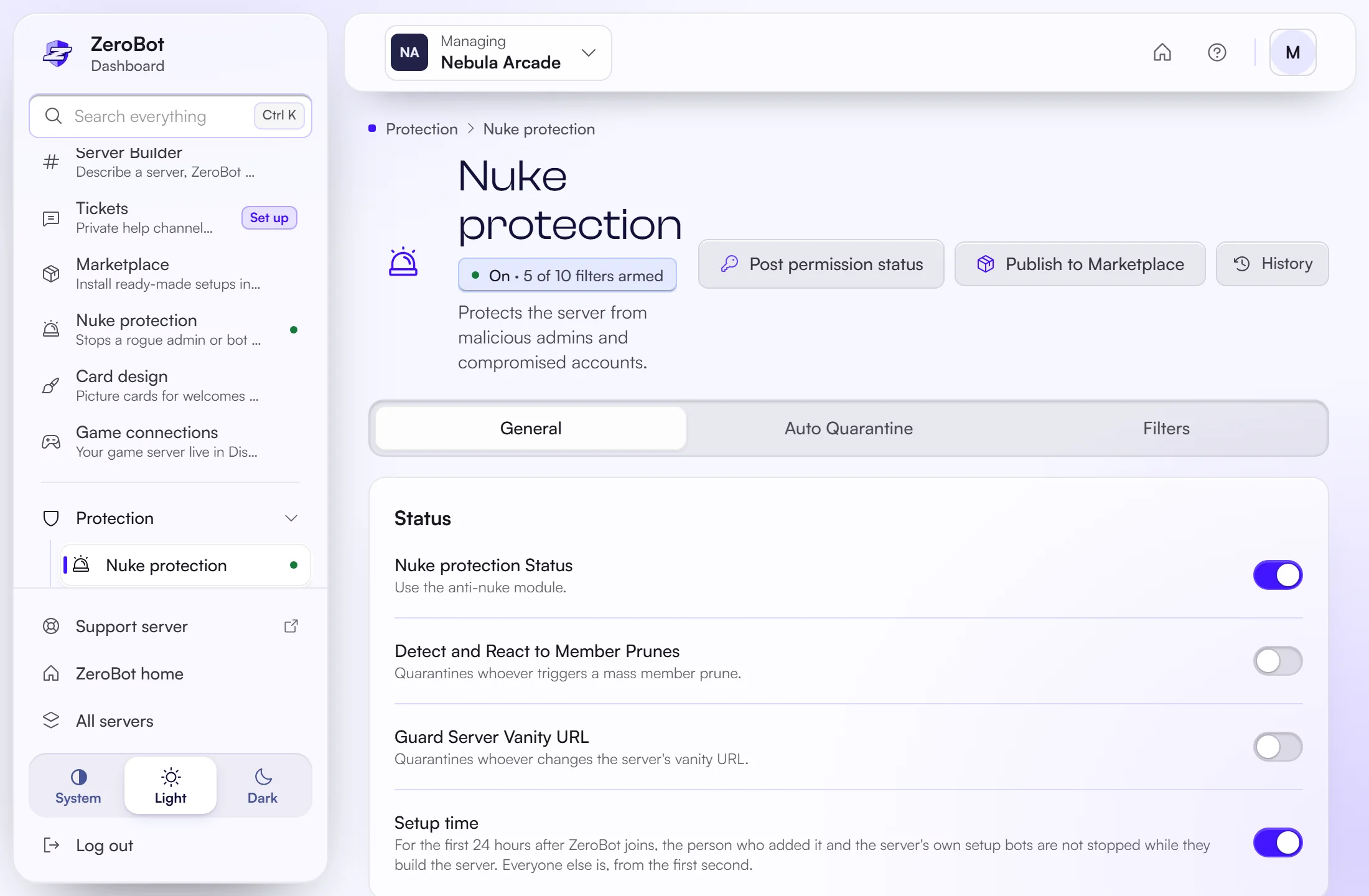
- Nuke protection in the sidebar, under Protection
- The main switch: Nuke protection on or off
Common tasks
Turn on nuke protection
- Open Protection, then Nuke protection.
- Switch on Nuke protection status.
- Add the admins you trust to the whitelist, then save.
Filter spam and bad links
- Apply Balanced in Server tools, Quick setups.
- Fine-tune single filters in Filters, Auto moderation.
- Pick a log channel for what the filters catch.
Make new members verify
- Open Security checks, then Verification.
- Pick a method. The preview shows what members see.
- Try the test link yourself, then save.
Stop a raid right now
- Open Protection, then Lockdown, and switch it on to lock every channel.
- Or press the Panic button: it locks everything and keeps an exact undo.
Common problems
- Nuke protection did nothing when an admin deleted channels.
- ZeroBot can only stop someone whose highest role is below its own. Drag ZeroBot's role to the top in Server Settings, Roles.
- New members can't see any channels after they verify.
- Check that the role they get can see your channels, and that ZeroBot's role sits above that role.
Every page in this topic
- Nuke protectionOpen
Raid and admin protection
More detail
Watches for someone deleting channels, roles or banning people too fast, and quarantines them. Whitelist the admins you trust.
- LockdownOpen
Freeze the server in an emergency
More detail
One switch to lock every channel during a raid, and optional kicking or banning of anyone who joins while it is on.
- Panic buttonOpen
Lock everything down at once, with an exact undo
- Raid wave alertsOpen
Spots waves of look-alike accounts
- Bot approvalOpen
New bots wait for your OK before they can do anything
- Staff activity alertsOpen
Flags staff actions that are unusual for that person
- Phone alertsOpen
Raids, Nuke protection and panic on your phone, never as a DM
- Security scoreOpen
One security grade for the server, with a fix for every gap
- Permission checkOpen
Risky role and channel permissions, fixed with one click
- Protection testOpen
Rehearse a raid or a nuke against your settings
More detail
Plays a bot raid, a nuke, a scam wave and mention spam against your current settings, second by second, without touching Discord. Each ends with a score, the gaps it found, and a one-click fix where ZeroBot has a setting for it.
- Raid practiceOpen
A safe practice raid that tests your protections and your staff
- VerificationOpen
Captcha gate for new members
More detail
Make new members prove they are people before they can see the server. Pick a method that fits: a captcha in Discord or on the website, a Discord sign-in check with account age and avatar rules, a rules quiz you write, a picture pick, a math picture, one click with Cloudflare Turnstile, press and hold, or one button. Every method has a preview and a test link for you.
- Join checksOpen
Join, profile and chat checks
More detail
Automatic checks on who joins, their name and avatar, and what is said in chat. Switch each one on or off.
- New member riskOpen
A score from 0 to 100 for every new member
- Shared ban listOpen
Warnings about accounts other servers confirmed as harmful
- Auto moderationOpen
Spam and content filters
More detail
Spam, caps, emoji and mention filters that build up heat per member, plus Discord's own AutoMod rules and what the bot does when one fires.
- AI moderationOpen
An AI rates messages and acts on clear cases
- RulesOpen
Your rules in plain words, enforced by ZeroBot
- Link filterOpen
Live scam lists and link rules per channel
- Fake site linksOpen
Removes links that imitate Discord, Steam and other real sites
- Fake staff checkOpen
Catches names that copy staff or ZeroBot
- Spam bot trapOpen
A trap channel that catches spam bots