Where to find it
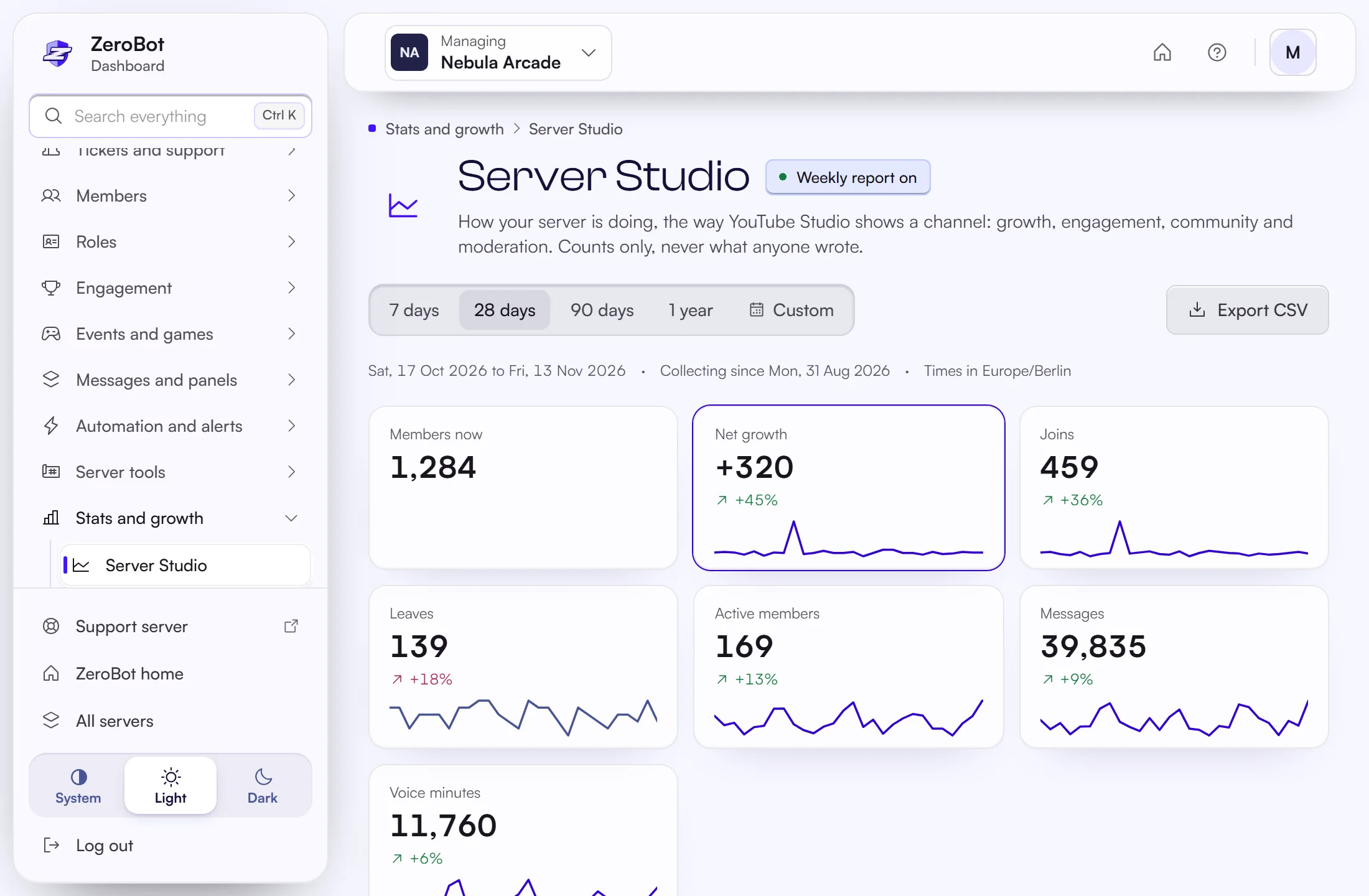
- Server Studio in the sidebar, under Stats and growth
- Pick the time range
Common tasks
See how the server is doing
- Open Stats and growth, then Server Studio.
- Pick 7 days, 28 days, 90 days or a year. Export CSV saves the numbers.
Post a monthly recap
- Open Monthly recap and pick a channel.
- It posts on the 1st of every month. Preview this month any time.
Common problems
- Stats are empty for my server.
- Counting starts when ZeroBot joins. Days before that stay empty.
- How do I change the bot's name or picture on my server?
- Open Premium and settings, then Bot profile. It is a Premium page.
Every page in this topic
- Live activityOpen
Everything happening on the server right now, live
- Server StudioOpen
Your server's analytics: growth, engagement, community and moderation
- AnalyticsOpen
Joins, activity and busy hours
More detail
Joins, leaves, messages, active members and the busiest hours and channels, over 7, 30 or 90 days. Counts only, never message content.
- Monthly reportOpen
A monthly server-health report with plain advice and links to fix it
- Member growthOpen
Where new members come from, who stays, and which welcome works best
- Public pageOpen
Your server's own page in the ZeroBot directory, with a Join button
- Monthly recapOpen
A monthly recap card for your members
More detail
A recap card posted on the 1st of every month: most active members, time in voice, new members, the busiest day and hour, the biggest channel, level-ups, giveaways, tickets solved and a member of the month. Counts only, never message content. Preview this month so far and post a test any time.
- Monthly videoOpen
A 25 second video recap of every month
More detail
Each month as a vertical story of about 25 seconds: new members, messages, the busiest day, top channels, voice hours, level-ups and the threats ZeroBot stopped, with big captions and a soft music loop. Watch it on its own page, download it as a video made in your browser, and let the bot post the link on the 1st. Private until you turn on the public link; names only if you allow them.
- Live server mapOpen
Your server as a live little city, on a public page
More detail
A public page that draws your server as a little city, live: each category a district, each channel a building as tall as its week, lit windows for messages right now, voice halls that fill, new members walking in, and rain or a storm while ZeroBot stops spam or a raid. Off by default; only channels everyone can see; counts only. Share the link or embed it on your website.
- General settingsOpen
Core server settings
- Bot profileOpen
A different look per server
More detail
Premium. Give the bot its own nickname, avatar, banner and bio on your server.
- Dashboard lookOpen
This dashboard's colours and look, for the team or just you
- Vote for ZeroBotOpen
Vote on bot lists and earn Premium time
- ReferralsOpen
Share your referral link and earn Premium days